
GNSS receivers for survey and layout
Choose with evidence
Choose around your field tasks, site conditions and deliverables. Review the receiver, controller, software and corrections as one system.

Start with the job
- What do you need to measure or set out?
- Which receiver, controller and office software do you already use?
- Will you use a correction network or your own base?
- What tolerances, coordinate system and output files does the project require?
Compare GNSS capture methods
| Model | Capture method | Best for |
|---|---|---|
| CHCNAV i89 | GNSS, tilt compensation and dual-camera visual surveying | Daily rover work where compact size and visual point capture are useful |
| CHCNAV i93 | GNSS, tilt compensation and dual-camera visual surveying; integrated 4G | A crew that values longer operating time, integrated connectivity or using the receiver in rover and base roles |
| CHCNAV i85 | GNSS with an aimed laser rangefinder and cameras | Repeated discrete points where a pole cannot safely reach and the target can be aimed at |
| CHCNAV ViLi i100 | GNSS, vision and LiDAR with SFix positioning | Obstructed-site work, batch contactless points or on-site point-cloud tasks |
Shortlist by your field task, then check the exact supplied version and complete setup. Read the full GNSS receiver buying guide.
Compare receivers and base stations
i89 · Compact visual GNSS
$8,491.50 · Buy online
Consider a compact receiver with visual surveying and stakeout workflows.
Explore i89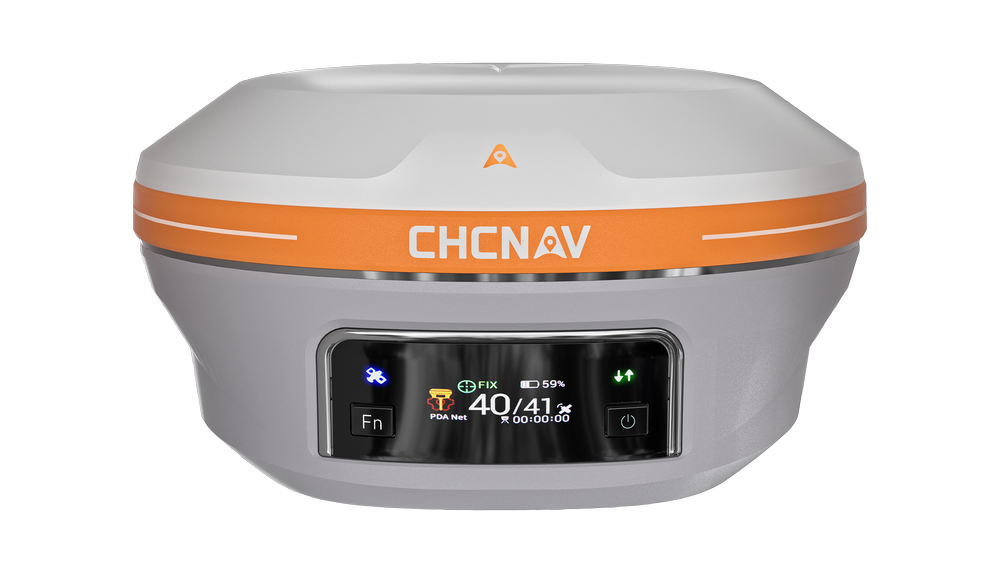
i93 · Visual GNSS
$11,041.50 · Buy online
Evaluate dual-camera surveying and visual guidance on the same field task.
Explore i93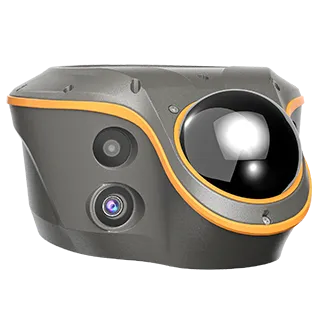
ViLi i100 · Visual-LiDAR GNSS
$15,920.00 receiver · Buy online
Explore when visual and LiDAR capture can complement GNSS measurement.
Explore ViLi i100
i85
$9,341.50 · Buy online
GNSS with laser measurement. Ask about the exact current version.
Explore i85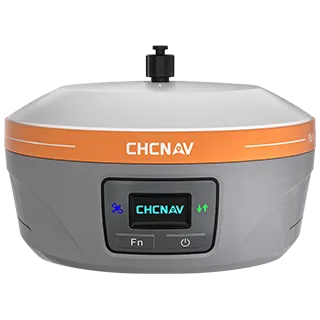
iBase
$6,995.00 · Buy online
GNSS base-station option. Review radio and rover compatibility.
Explore iBaseBuild the complete setup
- Receiver or base-and-rover configuration
- Controller and field-software version
- Correction source, coverage and service terms
- Poles, power, communications and required accessories
- Office processing, export and independent checks
Compare on a real task
A useful demonstration follows your job from capture to an accepted output. Bring representative conditions, existing equipment details and a short list of acceptance checks.
Field guides and software
Download model-specific RTK guides and explore LandStar field collection and CGO GNSS processing through Guides & Support.